WALL//CONFIG documentation
The user guide for WALL//CONFIG, an LED video wall configurator. It covers building a screen from cabinets, styling it, patching it across processor ports, and handing the result to a client or an installation crew.
Where to start
| Task | Where to go |
|---|---|
| Opening the configurator for the first time | Your first screen in 5 minutes |
| Patching a wall across ports | Patching (Patch Mode) |
| A port is overloaded, the wall does not fit | Port load and card technologies |
| Showing a project to a client | Public links |
| What works without an account | Guest and user: what you get |
| Opened it on a phone | The mobile version: how it works |
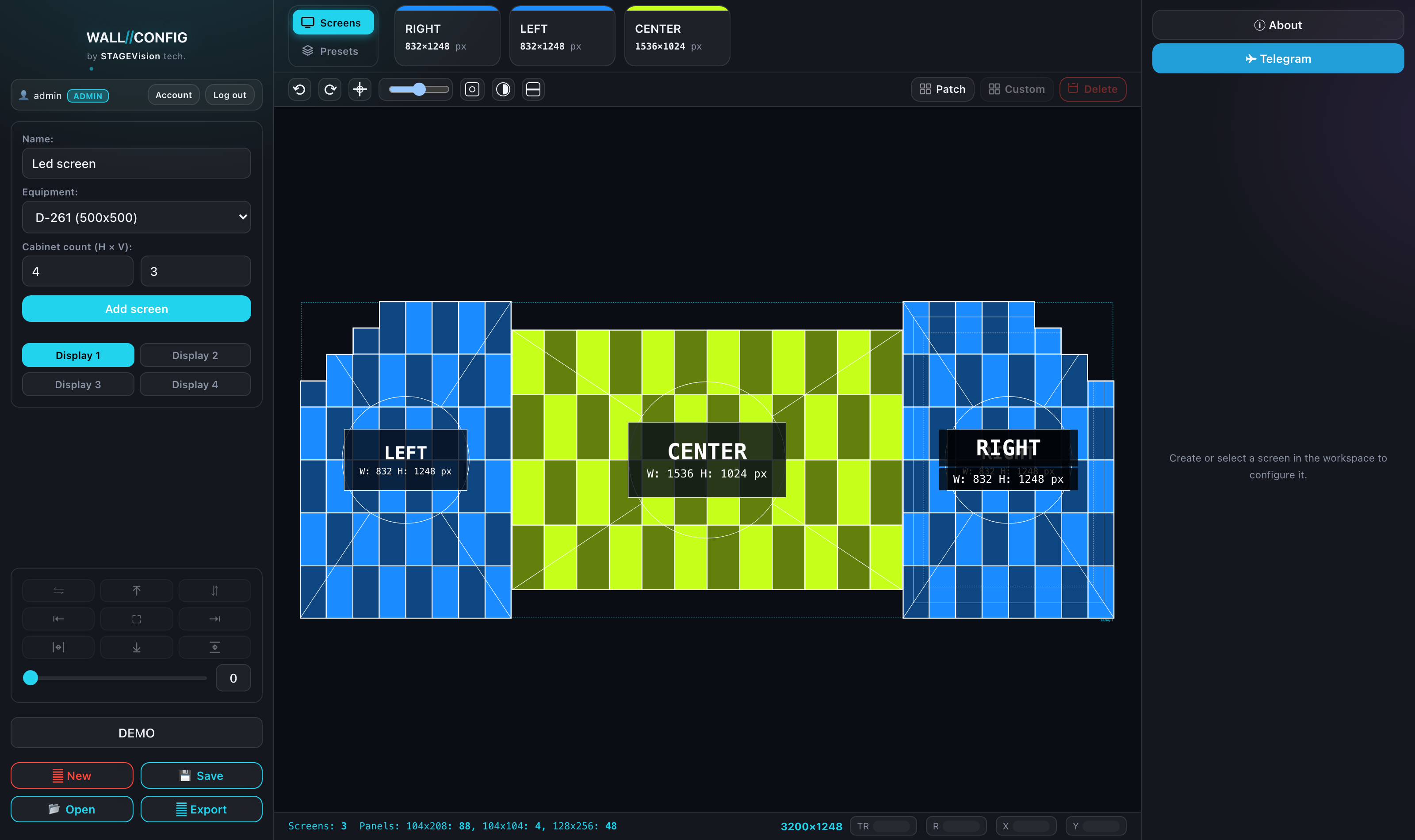
Open the configurator itself: wallconfig.
Getting started
- What WALL//CONFIG is — an overview of what it does and how it is built.
- Your first screen in 5 minutes — an end-to-end run from empty canvas to picture.
- Guest and user: what you get — a line-by-line comparison.
- Accounts and guest access — signing up, email, password recovery.
Editor
- The editor interface — what every panel and button does.
- Screens: creating and laying out — cabinets, metres, mixed screens, displays.
- Working on the canvas — selection, snapping, guides, copying.
- Aligning, distributing and mirroring — the block's nine buttons, the gap and per-row behaviour.
- Keyboard shortcuts — the full list.
- CUSTOM mode — screens of any shape.
Patching
- An overview — what the mode does, entering, leaving and a checklist.
- Processing cards — where the ports come from.
- Assigning cabinets — chains across ports by hand.
- The automatic marquee — traversal patterns and reversing.
- Load, Mapper and the check — overload, S/P/# labels, blocks.
- Power patching — PowerCon lines, standards, overload.
- Port load and card technologies — where the limits come from.
Styling a screen
- Layers: patterns and labels — how layers work and how they are ordered.
- Patterns — test images for checking the build.
- Labels — name, resolution and dimensions on the screen.
- Colors, outlines, monochrome — base styling and viewing modes.
Export
- Export mode — how it works, choosing displays, ZIP.
- PNG — a picture of the wall with a logo and labels.
- Mask — a silhouette mask for a media server.
- Patch IMG — a patching picture for installers.
- TXT — a spec sheet for a quote, with editable text.
- SVG — vector output for drawings and plotters.
- PDF — a multi-page document with a title block.
- Resolume Arena — a screensetup for the media server.
- SmartLTC (.srcx) — a project file for Novastar.
- NovaLCT (.scr) — a screen connection file.
Public links
- An overview — the two kinds of link and the two-gates rule.
- Creating a link — the form in export mode.
- Link settings — what the recipient sees and downloads.
- What the recipient sees — the public project page.
- Managing links — reissuing a token, deleting, the counter.
Your account
- An overview — the eight sections and the shared principle.
- Projects — saved projects and their links.
- Equipment catalog — cabinets and processing cards.
- Custom Library — free-form screens.
- Links — every public link in one list.
- Patterns and plates — personal layer-type settings.
- Settings — author profile, defaults and snapping.
- Export mode — document contents, the PDF title block and text presets.
- Standards — port capacity and the power line ceiling.
- Account — login, email, password, sessions and limits.
The mobile version
- How it works — three buttons at the bottom, slide-up panels, how it differs from the desktop.
- The editor on a phone — adding a screen, canvas gestures, the toolbar and screen settings.
- Patching and export — cards and assigning cabinets by touch, downloading files.
- Your account — picking a section, the cards and the Details panel.