Patching and export on a phone
Both modes work fully on a phone: cards are added, cabinets are assigned, files are exported. What changes is where the controls live — and in patching, the labels of the bottom buttons.
Patching
You enter with the "Patch" button in the toolbar. As soon as the mode starts, the bottom row relabels: the left button becomes "Card", the right one still opens settings — now of the selected card.
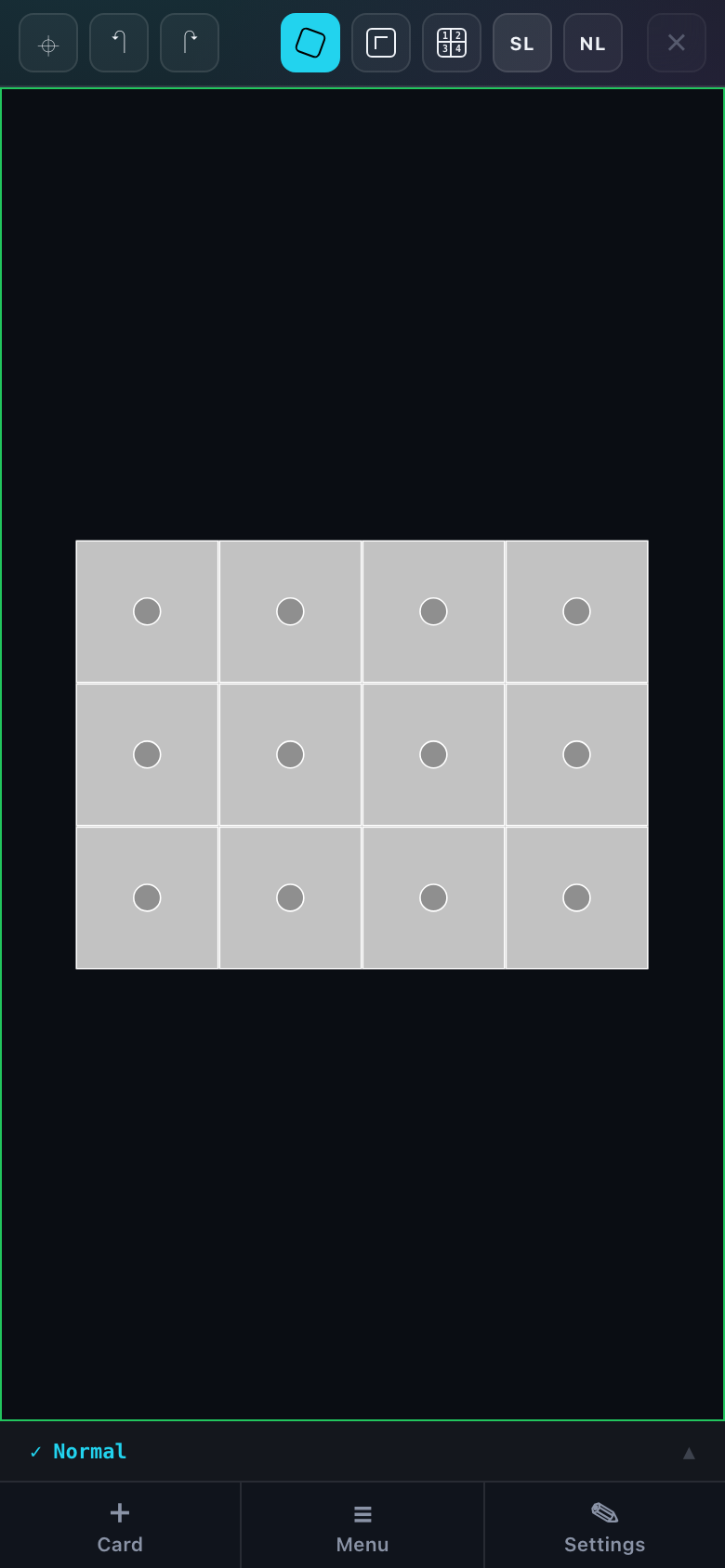
| Button | What it does while patching |
|---|---|
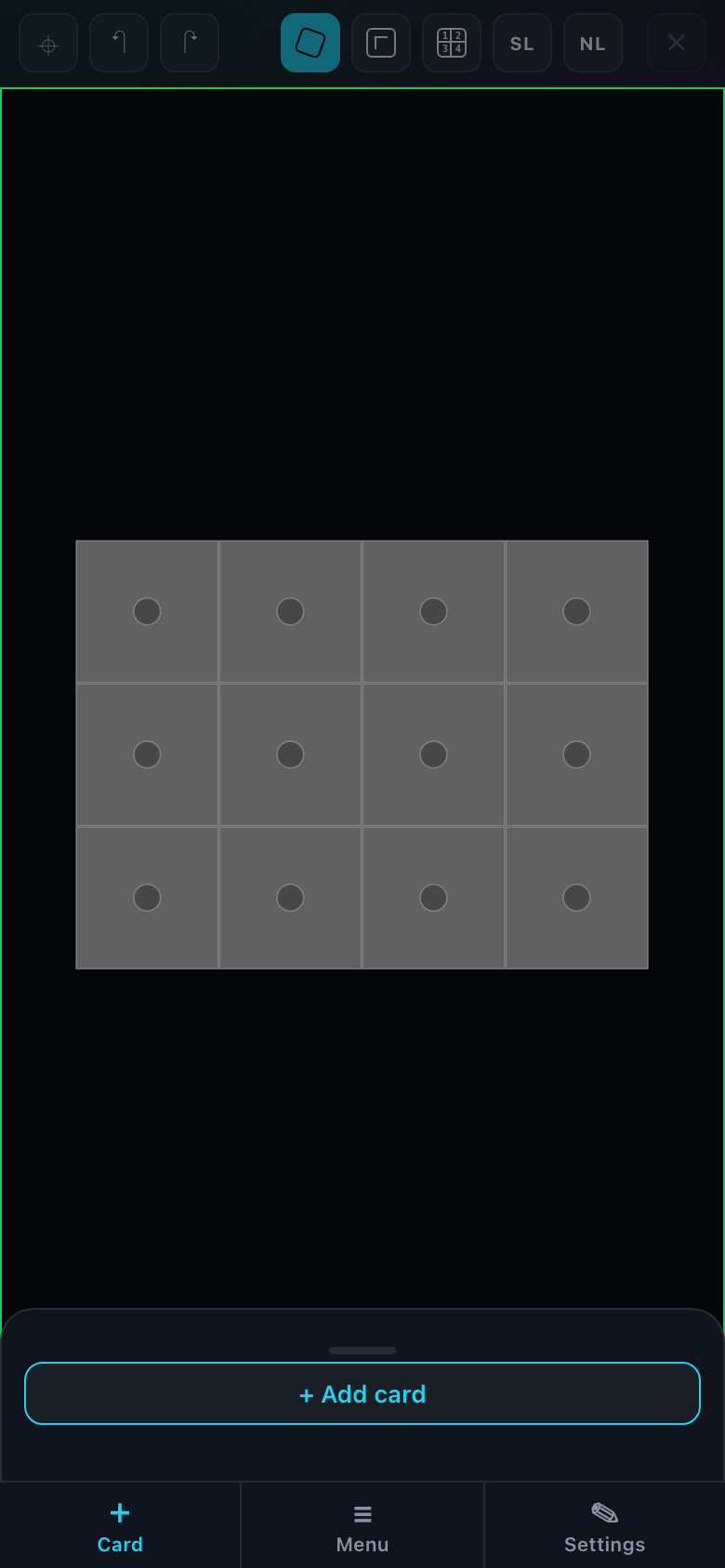
| Card | Opens the list of the project processing cards and the button to add a new one. |
| Menu | The same menu as in the normal mode. |
| Settings | The selected card: name, resolution, refresh rate, colour depth, port labels. On a phone this panel opens full height — there are many fields. |
Cabinets are assigned to a port by tapping and dragging — the same gesture as with a mouse. Automatic traversal, chain reverse and the port load check work unchanged.
The Power button in the patching toolbar switches to the power layout — lines instead of port chains. The gestures are the same, by tap and drag. In full: Power patching.
On a phone a card can only be added with the button in the "Card" panel — there is no card dragging as on a computer. Everything else about the mode is in "Patching: overview" and "Assigning cabinets".
Export
The "Export" button lives in the menu panel. In export mode the bottom row relabels again: the left button becomes "Formats", the right one "Export".
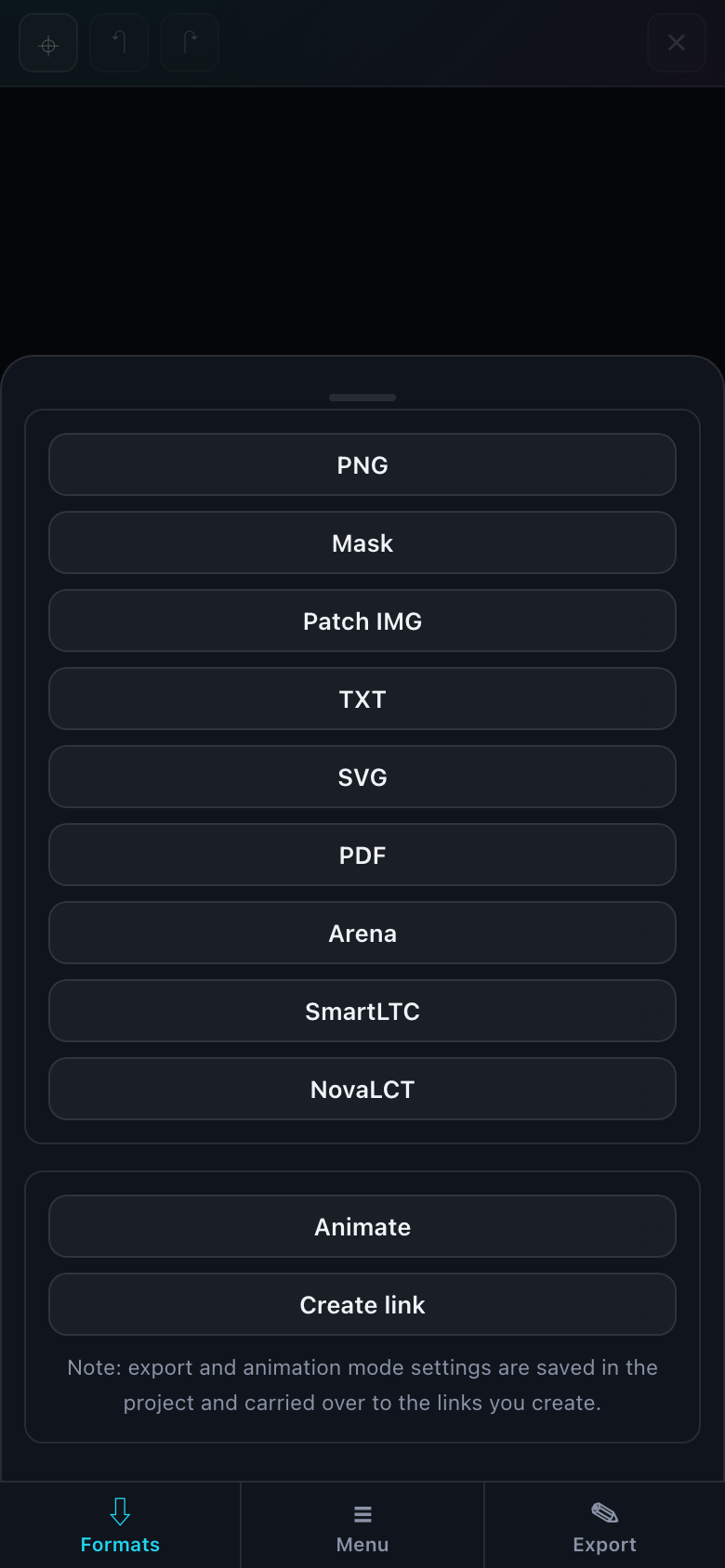
- Tap Formats — the list slides up.
- Pick a format — the panel closes and its preview appears in the work area.
- Tap Export — the format settings and the download button open.
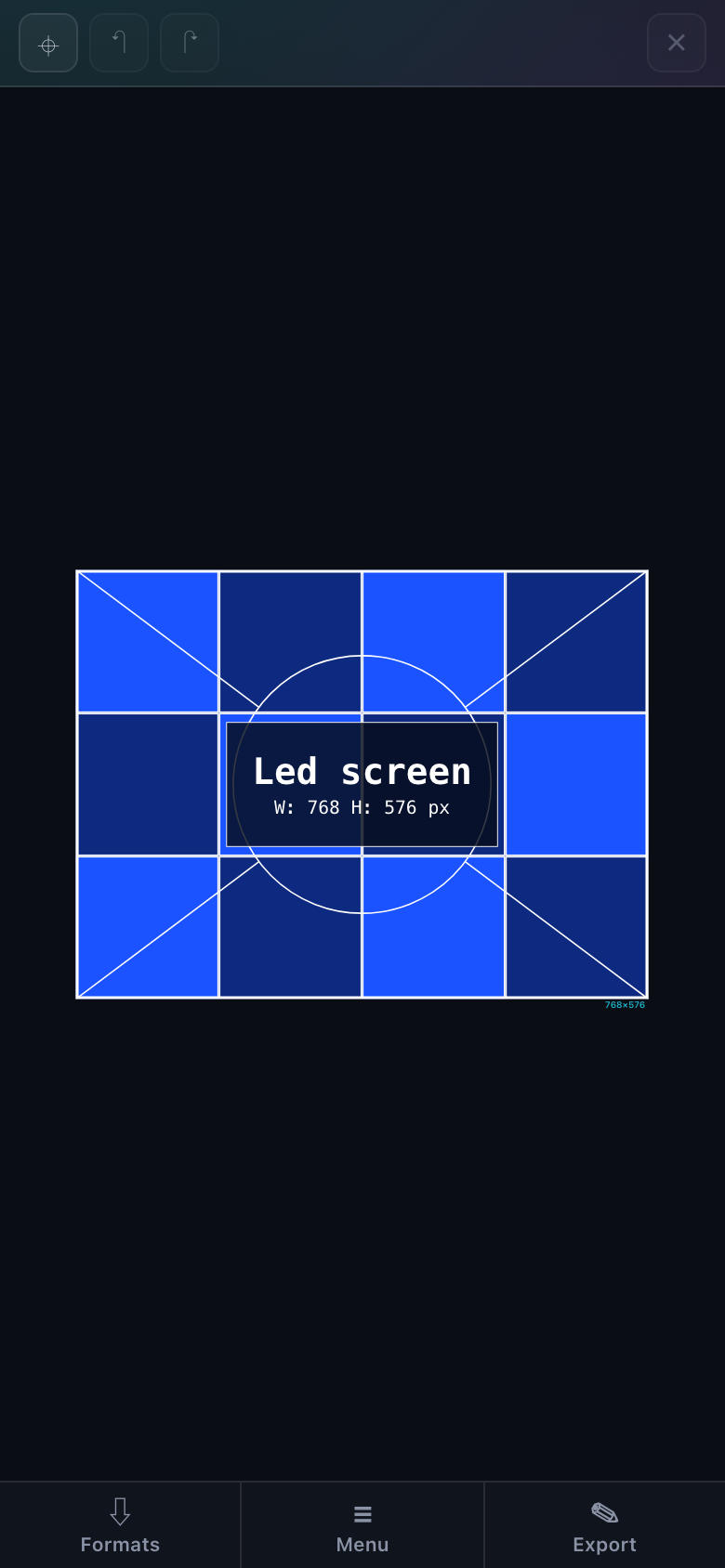
Every format previews itself — exactly what will end up in the file. The panel gets out of the way on purpose: otherwise it would cover the very thing you picked the format for.
Which format to pick for which job is in "Export: overview". Public links open from the same list.
Exporting large files — a PDF with a stamp, a PNG sequence — takes noticeably longer on a phone: the browser renders them on the device itself. For heavy formats, prefer a computer.