SVG — vector output
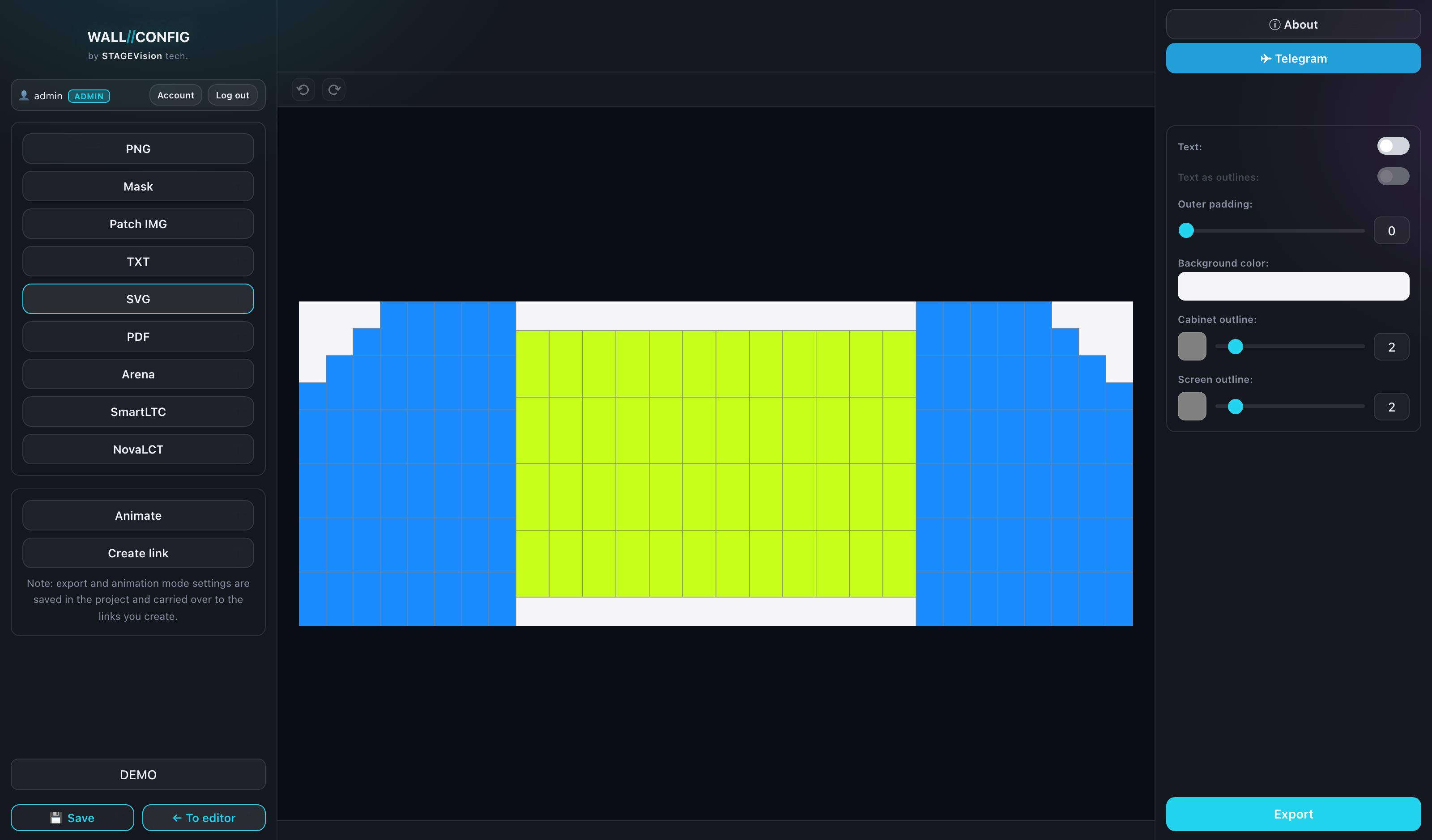
A vector contour of the wall: it scales without losing quality, opens in Illustrator, CorelDRAW and AutoCAD, and cuts on a plotter. The format for anyone who needs lines rather than a picture.
When you need it
- placing the diagram into a drawing or a print layout;
- cutting a template on a plotter;
- handing a contractor the contour for a steel frame;
- printing the diagram at any size without pixels.
Settings
| Setting | What it does |
|---|---|
| Text | Whether labels go into the file. |
| Text to outlines | Turns letters into contours — the captions stop depending on the fonts installed on someone else's computer. |
| Padding | A margin around the composition. |
| Background color | The ground under the contour. |
| Cabinet grid stroke | The color and width of the lines between panels, 0 to 20. |
| Screen contour stroke | The color and width of the outer contour, 0 to 20. |
The strokes are independent: leave only the outer contour (grid width = 0) and you get a clean silhouette for cutting.
If the file is going to someone who does not have your fonts, turn on "text to outlines". Otherwise the captions are substituted with a system font and shift about — and you will never know, since the font is installed on your machine.