Resolume Arena — screensetup
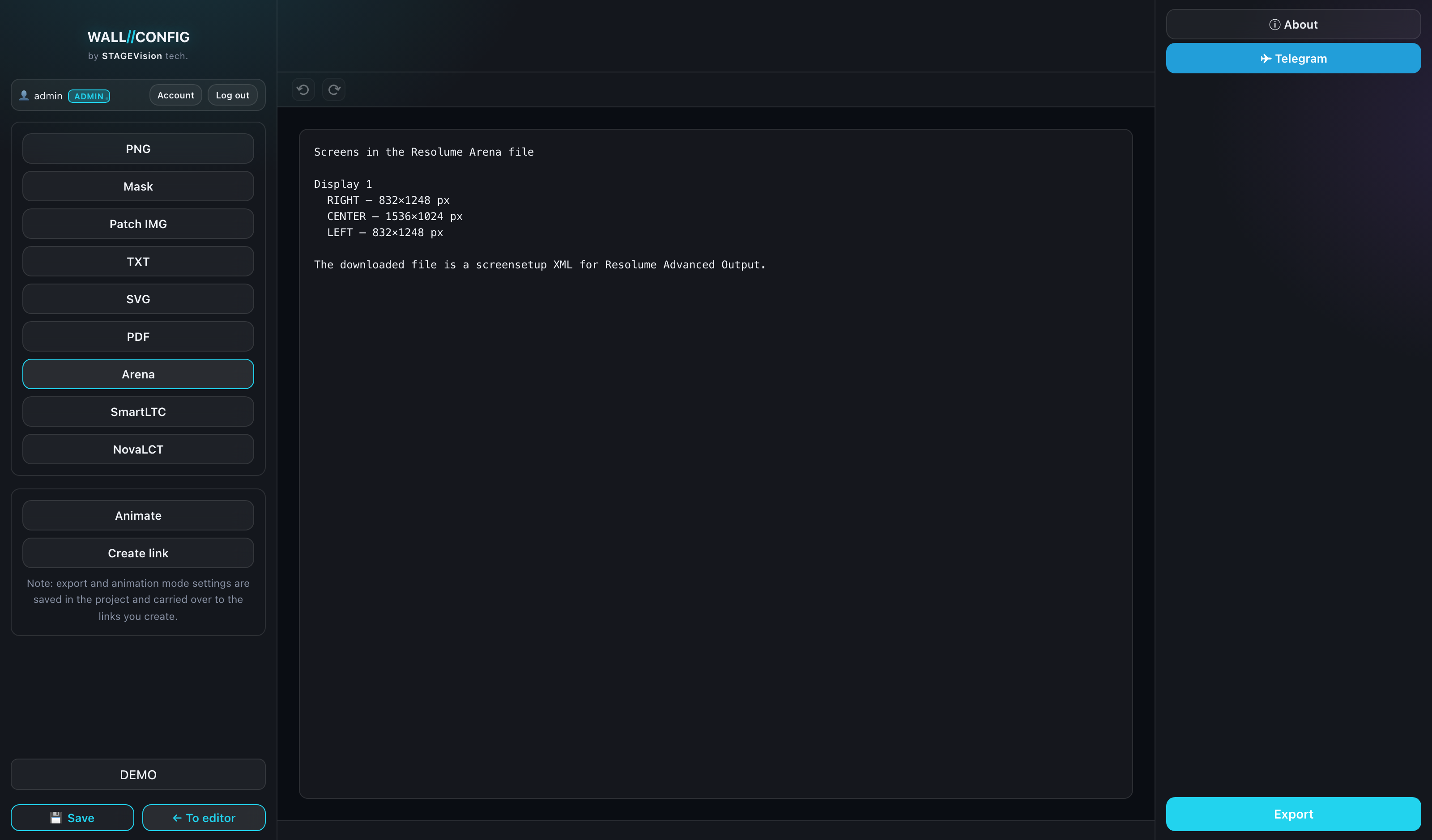
An output configuration XML for Resolume Arena. Load it into Advanced Output and the media server knows the geometry of the wall at once — no placing slices by hand.
What goes into the file
The geometry: the position and size of each screen in pixels, grouped by display. Styling — colors, patterns, labels — is not carried over: Resolume is responsible for putting out content, not for how the wall looks in the configurator.
Settings
The only setting is a display checklist: which compositions go into the file. The format covers the whole project, so there is no active-display switcher here.
How to use it
- Export the file from the configurator.
- In Resolume Arena open Output → Advanced.
- Load the screensetup — the slices line up with the project geometry.
- Check the composition resolution against the total wall resolution from the editor footer.
The file schema was reconstructed from Resolume's format — a screensetup has no official specification. If your Arena version differs, verify the result before the event rather than on site.