NovaLCT (.scr) — a connection file
A screen connection file for NovaLCT — what loads into the card itself the scheme of which cabinet is on which port. The end point of all the patching work.
One file, one card
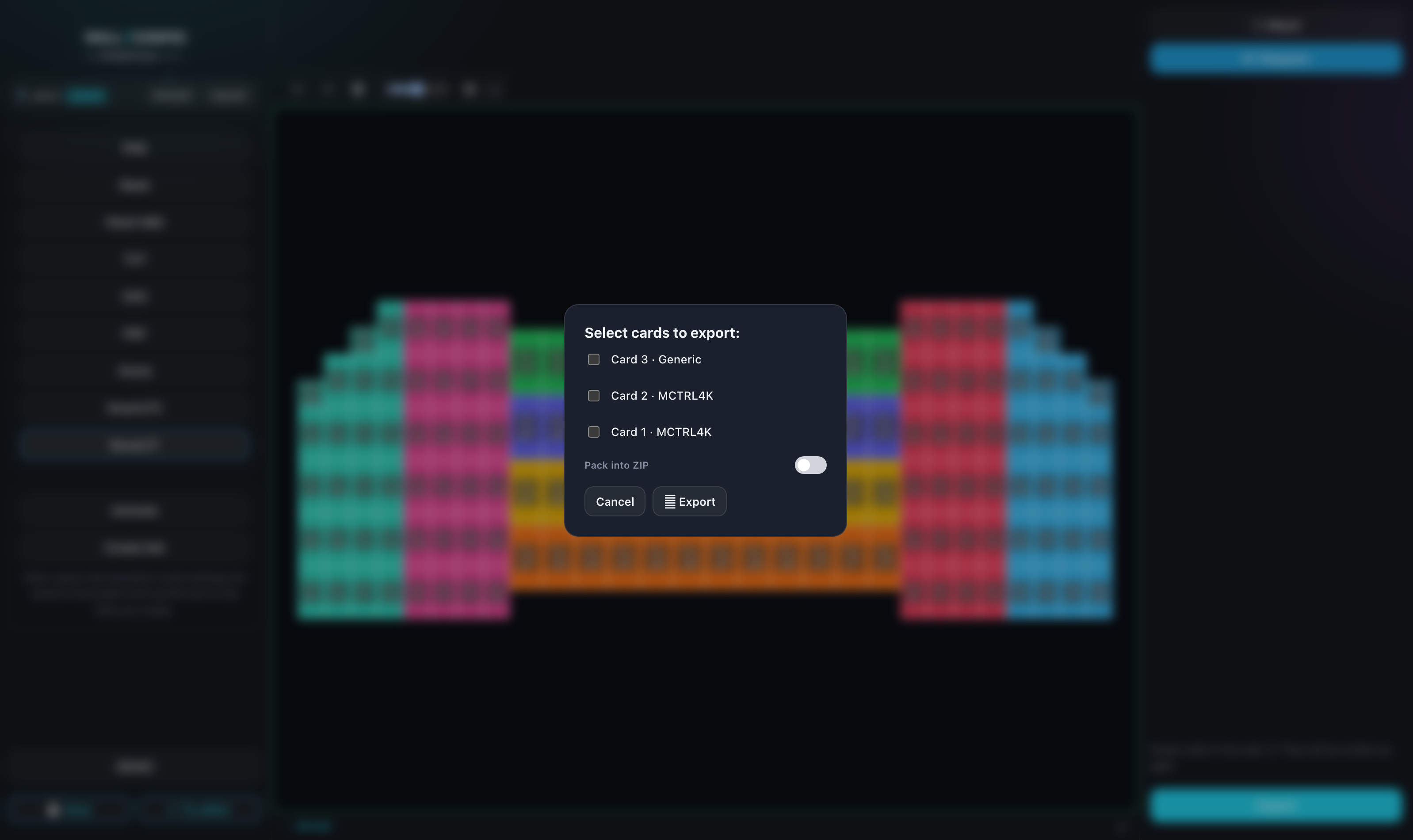
Unlike SmartLTC, here every card needs its own file: that is how the format works. With several cards, clicking "Export" opens a chooser, and the files can be packed into a ZIP.
The format has no settings panel of its own — everything is decided in that chooser. With a single card there is no chooser: the file downloads straight away.
Screen order
As with SmartLTC, the order in the footer list drives the numbering: the first screen becomes Screen 1.
What blocks the export
The same two limits as SmartLTC:
- rotated screens — the format does not describe them;
- screens overlapping each other.
The warning appears above the export button and names the screen in question.
How to use it
- Patch the wall and save the project.
- Export the file for the card you need.
- In NovaLCT open the screen connection setup and load the
.scr. - Check the result against the Patch IMG picture — it shows what you should end up with.
It is worth printing the patching picture and handing it to the crew along with the file: the program configures the card, but the person up the ladder needs a sheet of paper.
If NovaLCT will not open the file
The message "Failed to load screen information file" means the file is damaged: it carries a checksum, and that checksum no longer matches the contents.
Most often that follows from sending the file through a messenger or an email service that recompresses attachments. Send the .scr in an archive, or export it again.
The patching itself has nothing to do with it — the error is about the integrity of the file, not its content.