Accounts and guest access
The editor works without an account, but anything that has to be stored somewhere — projects, the equipment catalog, links — needs one. This page covers what each level gives you and how signing in, email and password recovery work.
What works without an account
The editor works in full: building a wall, styling, layers, free-form screens, patching and file export. An account is needed wherever data has to live somewhere. A line-by-line comparison is in Guest and user: what you get.
Signing up and signing in
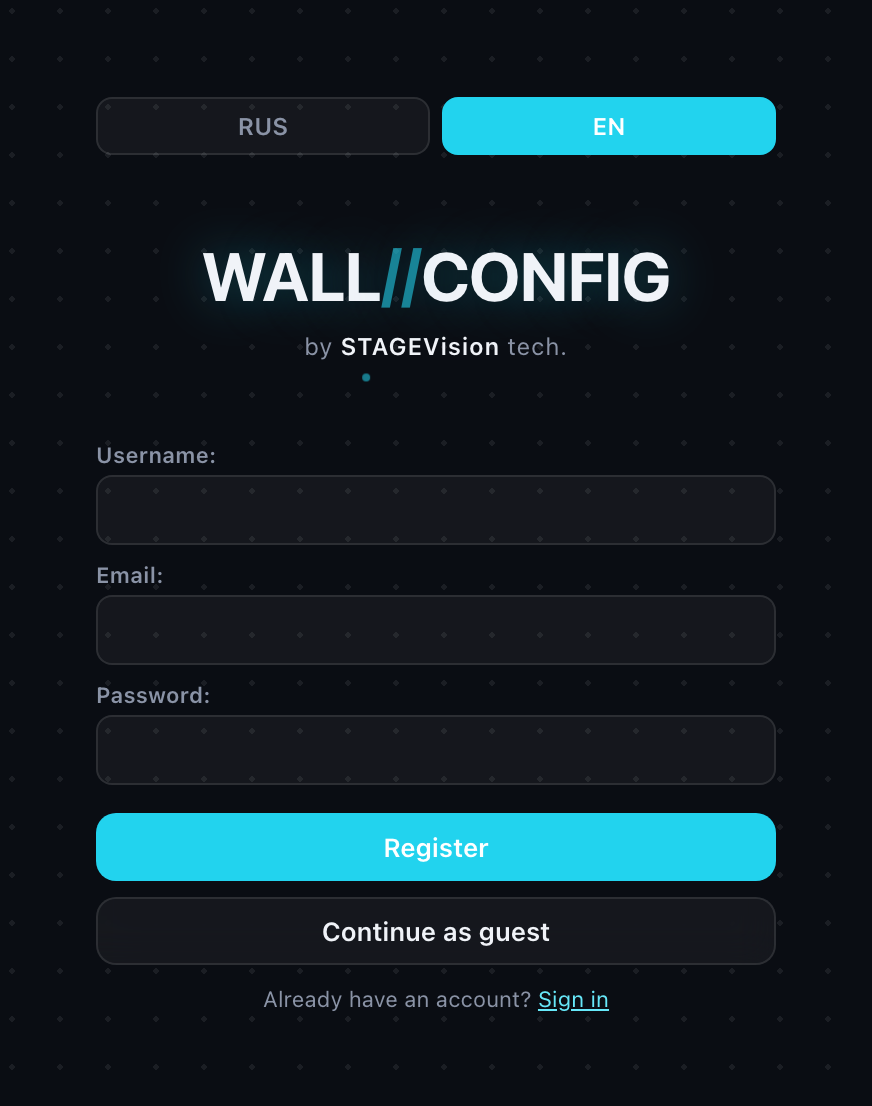
The sign-in page opens from the "Sign in" link in the top right of the editor. Sign-up and password recovery are there too.
- Username — 3 to 32 characters: Latin letters, digits, dot, hyphen, underscore. Case does not matter:
Ivanovandivanovare the same account. - Password — at least 6 characters.
- Email — required and must be unique: one address cannot belong to two accounts.
Verifying your email
After signing up, a message with a verification link goes to the address you gave. Verify it right away, for two reasons:
- Without a verified address you cannot reset your password. The reset link is only ever sent to a verified inbox.
- An administrator can require a verified address — without one you would not be able to save a project or create a public link.
If the message does not arrive, you can request it again from the settings in your account.
"The email never arrives" usually means the address already belongs to another account rather than a mail problem: such an address is simply not accepted at sign-up.
Resetting a password
- On the sign-in page click "Forgot password?" and enter your username or email.
- A message with a link goes to the verified address. The link is valid for one hour and works once.
- The link lets you set a new password — at least 6 characters.
The system always answers the same way: "if the account exists, a message has been sent". That is a safeguard — otherwise the form could be used to find out which usernames are registered. An identical answer does not mean a message went out.
Changing a password closes every active session: you sign in again on all your devices.