Patch IMG — a patching picture
A picture of the patching scheme — what gets printed and taken to site. It shows which cabinet is connected to which port of which card, and in what order the chain runs.
The format only makes sense once patching is done. With no processing cards in the project there is nothing to export — see Patching (Patch Mode).
Three views
| View | What it shows | When you need it |
|---|---|---|
| Patching | Route lines with arrows: you can see how the data looms physically run. | Planning the cable route, talking it through with the crew. |
| Mapper Mode | A label on every cabinet: S: card, P: port, # position in the chain. | Checking on site: the installer reads the label and verifies the actual cable. |
| Power | The power lines instead of the port routes, with their own styling. | The electrical layout — which cabinet is plugged into which cable. |
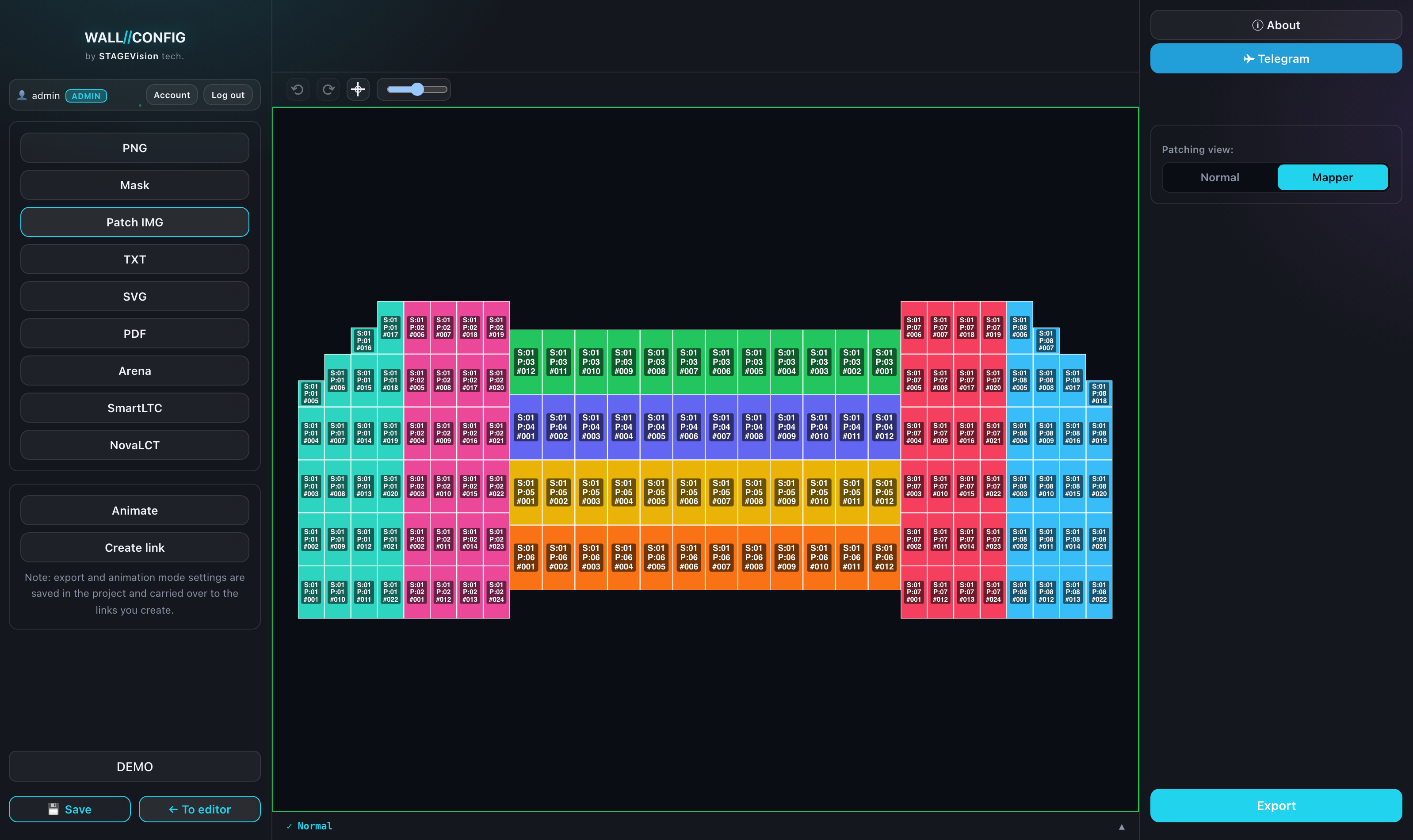
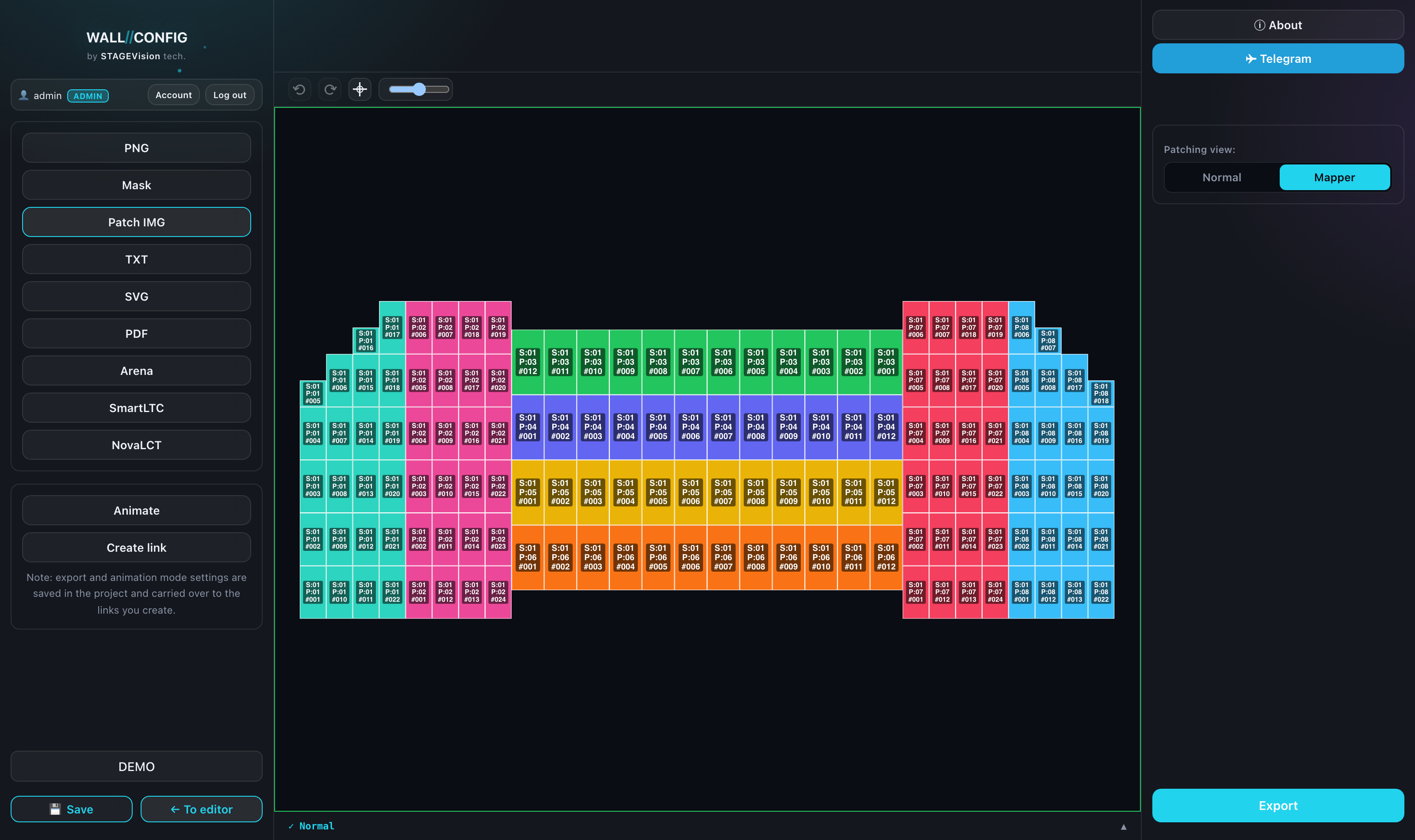
The settings panel
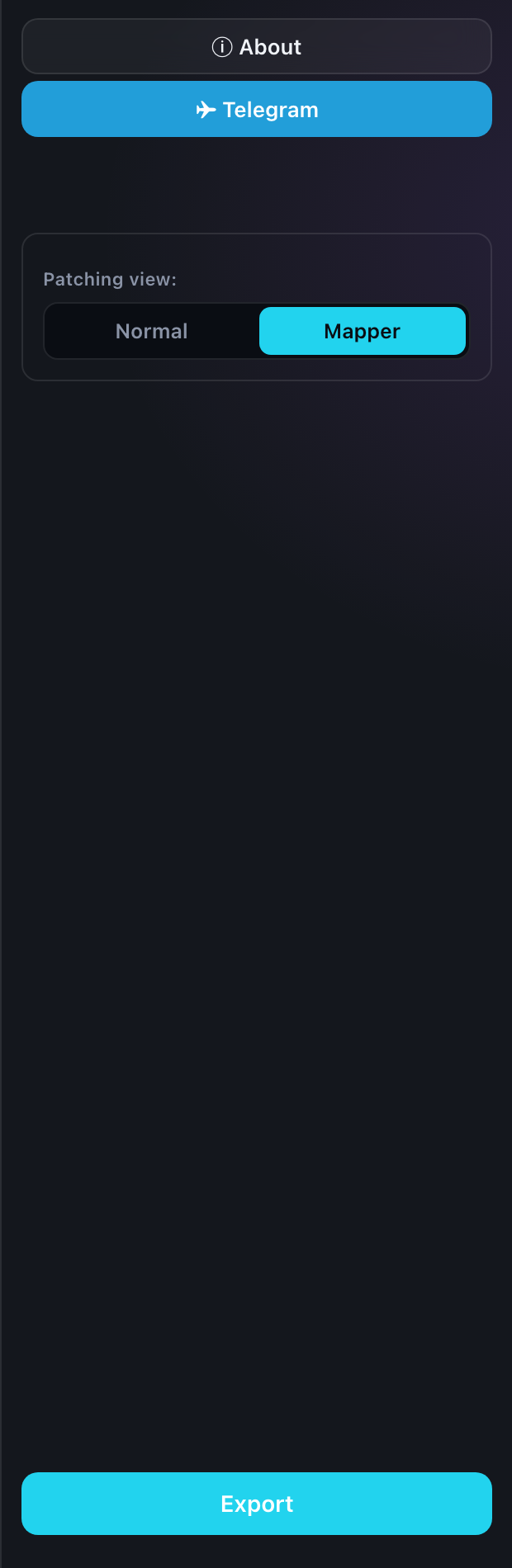
The format has a single switch on the right — "Patching view": three buttons in a column, the same choice as the table above. Everything else it takes from the patching itself. If the project spans several displays, the usual display switcher sits above the panel — the preview shows the one that goes into the file.
The Power view only makes sense once the power layout exists — see Power patching.
One display, one file
The picture is built for one display and shows every card whose cabinets sit on its screens. It is the installer's document: a sheet matches the screen in front of them — not a single card, whose cabinets may be spread across several displays.
If several displays are non-empty, "Export" opens a chooser — as with PNG and SVG, with packing into a ZIP (see Export mode). With one non-empty display the file downloads straight away.
The layout
The picture uses the patching layout rather than the editor composition. If you pulled screens apart inside Patch Mode to make the scheme read, that is the spread-out view that reaches the picture.
That is convenient: the scheme for the installers can be laid out more loosely than the real geometry, and the project itself is unchanged.