PDF — a multi-page document
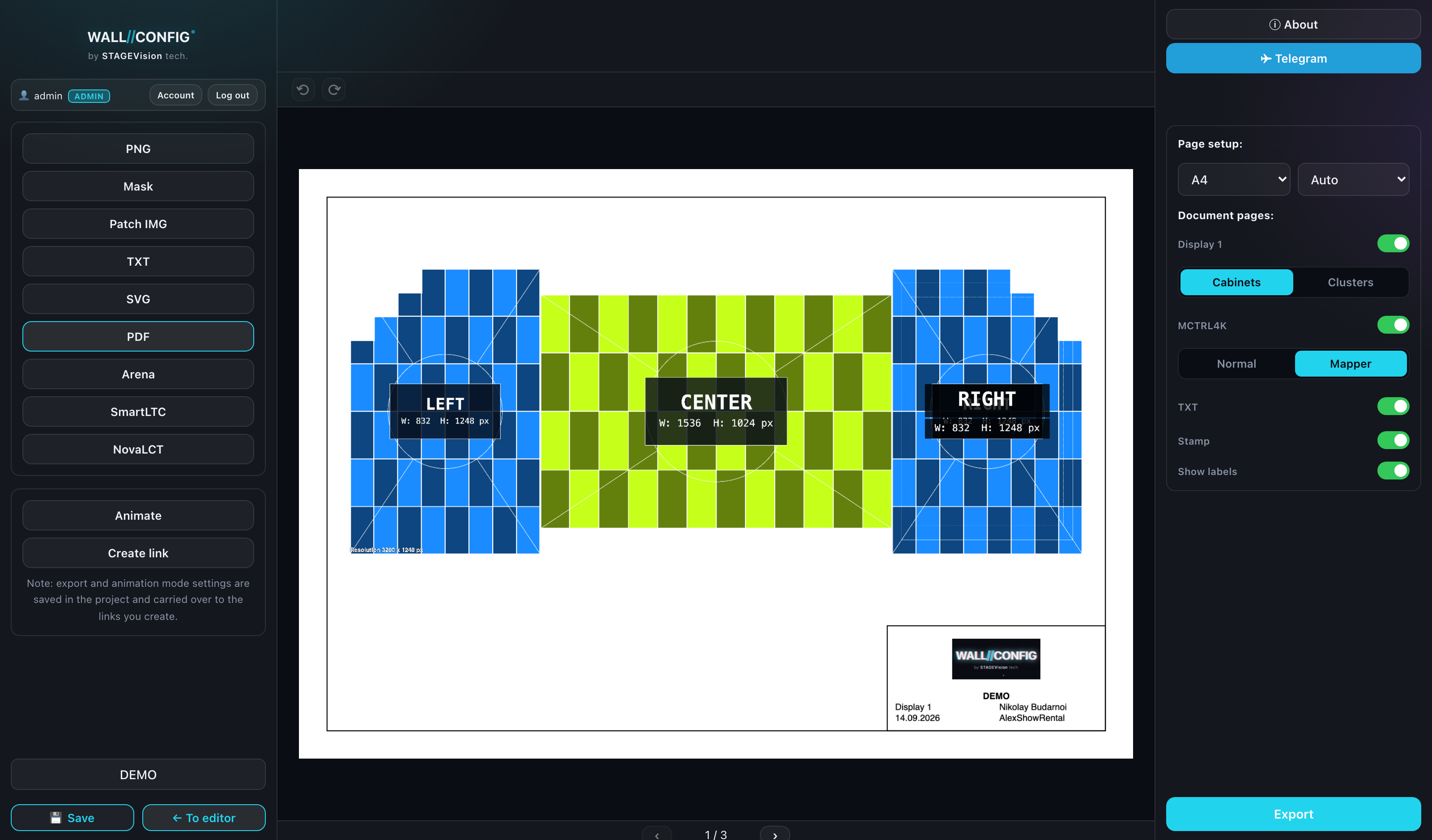
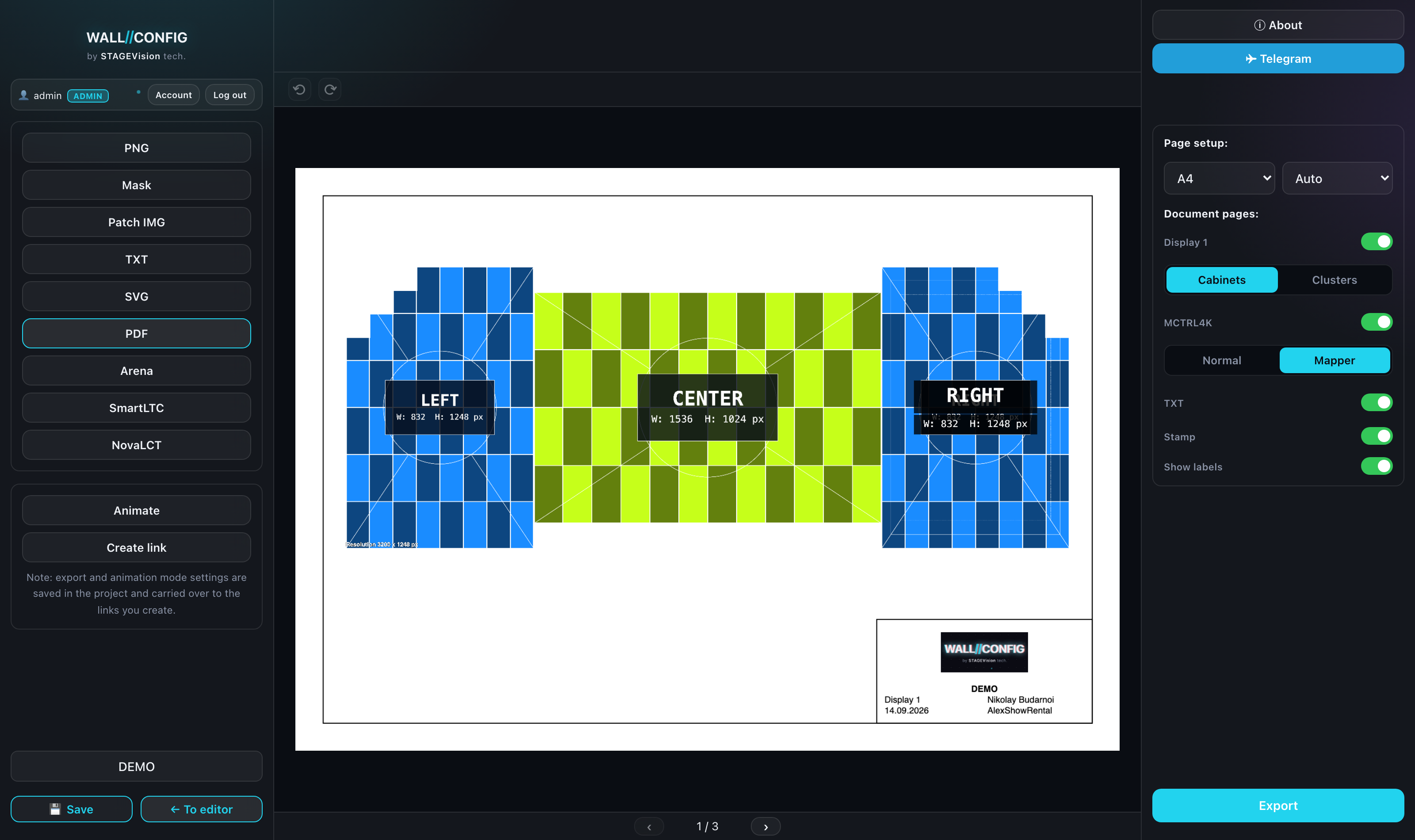
PDF gathers the whole project into one document: a page for each display and each processing card, with a corner title block. This is the format for a documentation folder and for print.
Page settings
| Setting | Options |
|---|---|
| Size | A4 or A3 |
| Orientation | Auto, portrait or landscape |
"Auto" picks the orientation from the proportions of the wall: a wide screen goes landscape, a tall one portrait. Choosing by hand matters when every sheet has to match.
The pages of the document
The settings say what goes into the document: display pages and processing card pages. The order follows the project.
The flipbook under the preview lets you walk through every page before exporting and make sure nothing is cropped.
The title block
A corner block of data, as on a drawing: project name, date, author and company from your profile, and the summary parameters of the wall.
The block is switched on with a toggle and is configurable: its contents and extra lines are set in your account, in the application settings.
Overlays
A separate switch carries the PNG overlays — logo, captions, images — into the PDF. Turn it off when the document should be plain, without branding.
PDF covers the whole project, so it has no display switcher — a page list instead. It exports one file, not an archive.