Mask — a silhouette mask
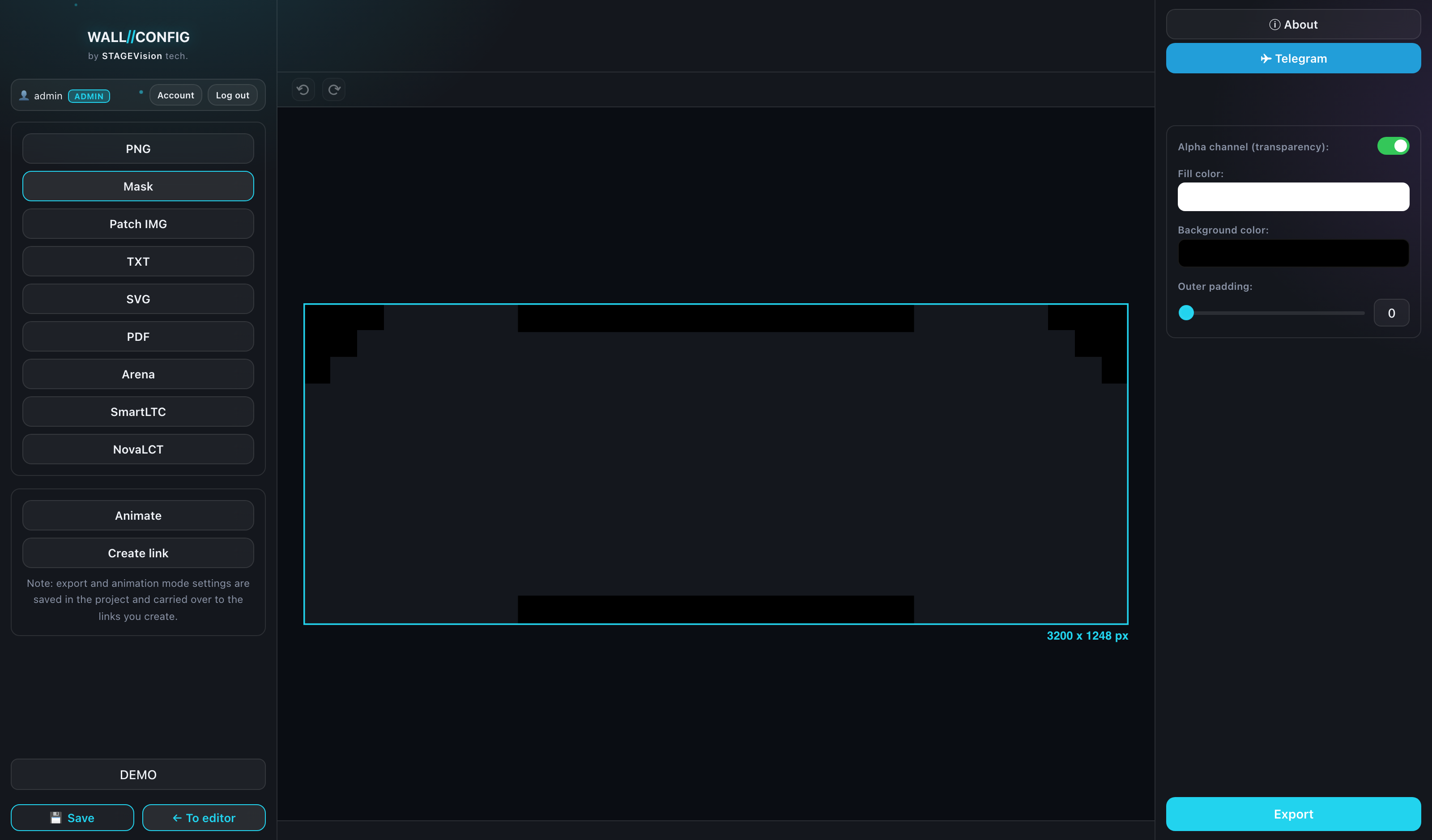
A mask is the silhouette of the wall as a solid fill, with no cabinets, patterns or labels. It is for wherever a program only needs to understand the shape: media servers, mapping systems, compositing.
When you need it
- defining output areas in a media server;
- cutting content to the shape of the screen in an editing tool;
- checking the silhouette of a complex wall separately from its styling.
Settings
| Setting | What it does |
|---|---|
| Opacity | How solid the silhouette fill is. |
| Fill color | The color the wall itself is painted. Usually white. |
| Background color | What surrounds the wall. Usually black. |
| Padding | A margin around the composition, 0 to 100. |
The classic combination is a white silhouette on black: almost any program understands such a mask. But the colors are configurable if your pipeline expects the opposite.
Size
Like PNG, a mask is written at the exact pixel size of the wall — otherwise it could not be laid over the content one to one.
Screens of arbitrary shape and walls with cut-outs are exactly the case this format exists for: the mask shows the real contour, not the bounding rectangle.