SmartLTC (.srcx) — a project for Novastar
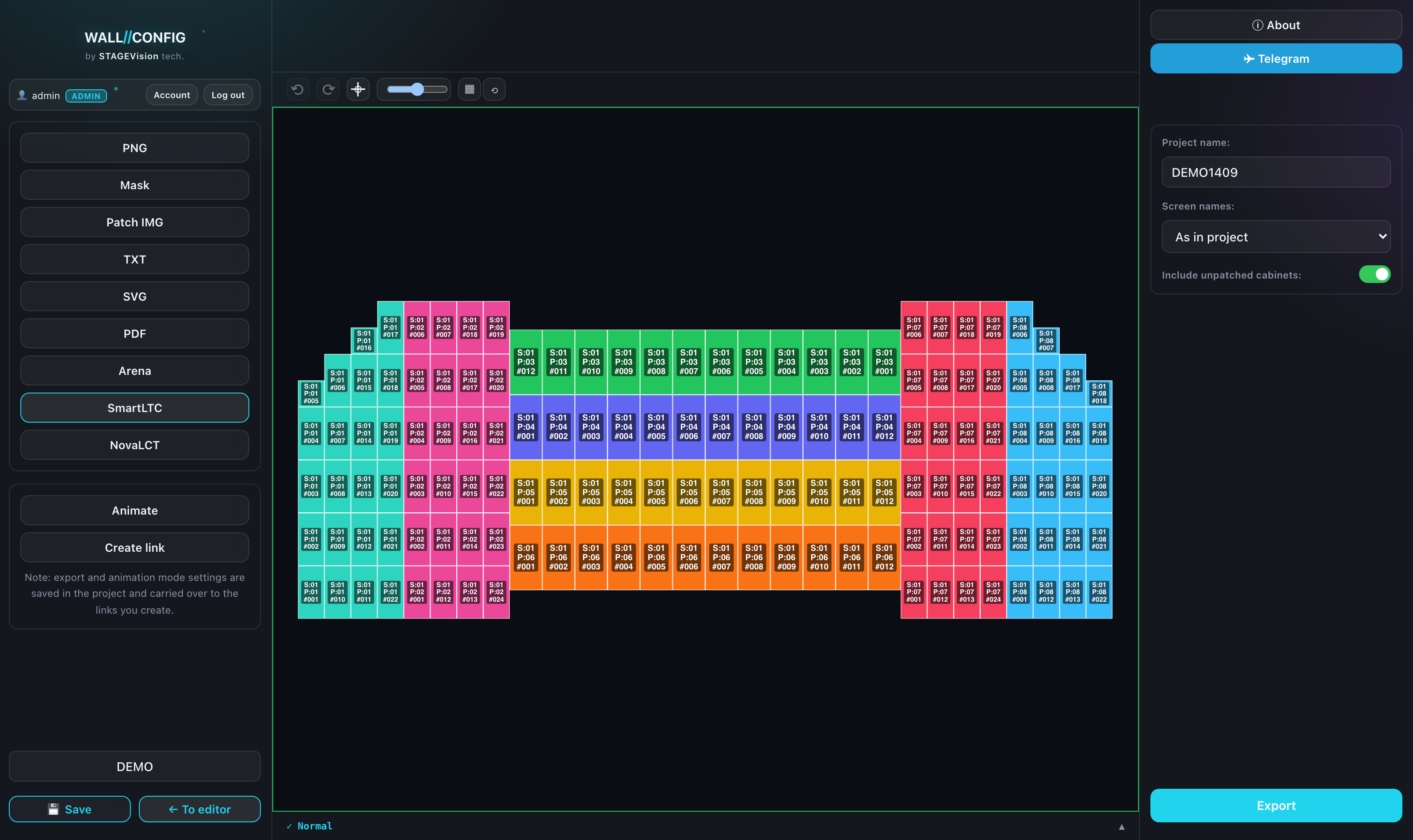
A project file for Novastar SmartLTC. It stands apart from the other formats: it is not a document but a working file — it is opened on site and goes on living there as a patching project.
What goes into the file
The whole project: screen geometry, processing cards and the patching across ports. Several cards go into one file — that is what separates SmartLTC from NovaLCT, where a file always covers one card.
Settings
| Setting | What it does |
|---|---|
| Project name | What the project is called inside SmartLTC. |
| Screen names | "Ours" — your names from the editor; "generic" — neutral Screen 1, Screen 2 and so on. |
| Include unpatched | Whether to take screens that have no ports assigned yet. Useful when the patching is finished on site. |
| Displays | A checklist of the project compositions. |
| Cards | A checklist of processing cards — tick several and they all go into one file. |
Screen order
The first screen in the order list becomes Screen 1 in the file. The list is in the footer of export mode — drag the screens into the order they should be numbered on site.
If the crew is used to counting screens left to right, set that order here — on site it cannot be changed without rebuilding the file.
What blocks the export
Rotated screens. SmartLTC does not describe a rotated screen the way the configurator does — the file would be wrong, so the export is refused.
Screens overlapping each other. Two panels cannot occupy the same area of the frame.
The warning appears right above the "Export" button and names the screen in the way. Remove the rotation or pull the screens apart and the button becomes available again.