Colors, outlines, monochrome
The base styling of a screen is what gets drawn without any layers: the cabinet fill, their outlines and the outline of the screen itself. Monochrome and clusters are here too — two viewing modes that change nothing in the project.
The cabinet checker
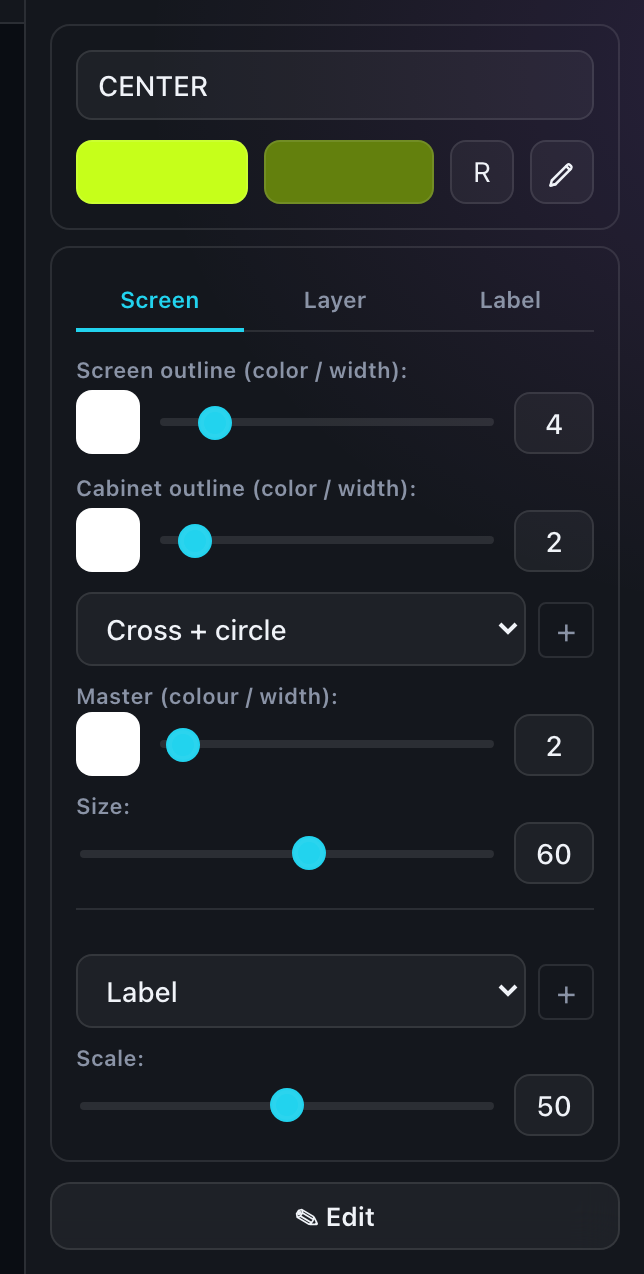
Cabinets are filled with two alternating colors, so the split of the wall into panels is visible in the picture. Both colors are set on the "Screen" tab of the right panel.
- The "R" button gives a random color from the palette. The second color is derived automatically by darkening the first.
- You can also set the colors by hand with the ordinary color picker.
The eyedropper
The eyedropper copies styling from one screen to another, so you do not repeat the settings by hand.
| Action | What is copied |
|---|---|
| Single click on the eyedropper, then click a screen | The two checker colors only |
| Double click on the eyedropper, then click a screen | Every screen setting: colors, outlines, layers |
On a touch screen the "every setting" mode is armed with a long press on the eyedropper button.
The eyedropper copies settings from the data, not through the form — so exactly what is configured is carried over, layer parameters included.
Outlines
There are two outlines and they are independent:
- The screen outline — a contour around the whole screen. Width from 0 to 30.
- The cabinet outline — a contour around each individual panel. Also 0 to 30.
Zero means "do not draw". The cabinet outline is especially useful on light fills, where the panel edges would otherwise be lost.
Monochrome
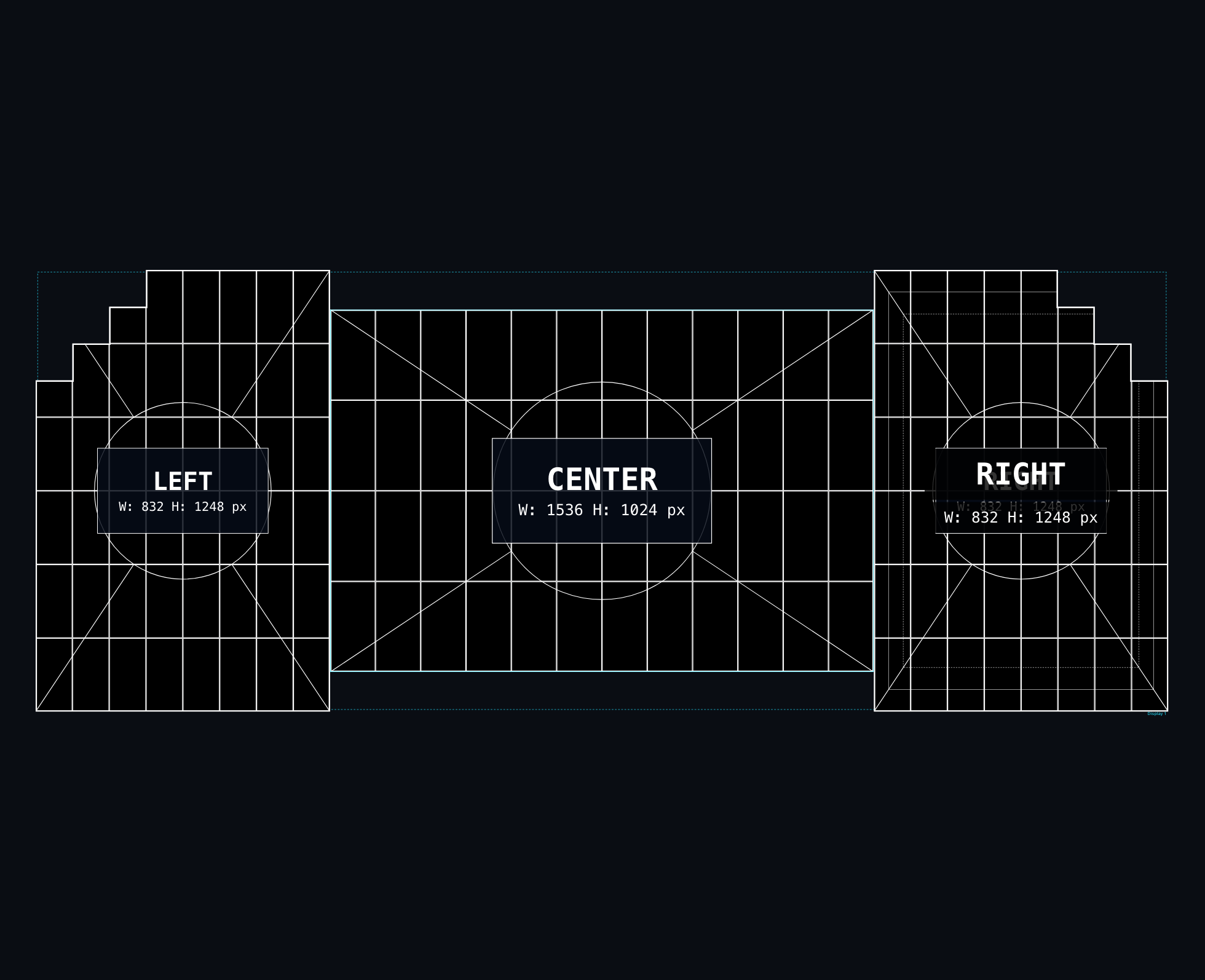
The monochrome button in the toolbar temporarily draws everything in black and white: black screens with white contours and patterns.
- for print and for drawings, where color adds nothing;
- to check geometry without the fills getting in the way;
- for installation paperwork.
Monochrome is a viewing mode: it does not change the colors in the project. But it is respected on export — with monochrome on, a PNG comes out black and white. PNG also has a monochrome toggle of its own in the format settings.
Clusters
A cluster is a module inside a cabinet. "Clusters" view shows that finer split: how many modules a cabinet holds and how they are arranged. The cluster size comes from the cabinet model characteristics.
The mode matters during maintenance — when the job is replacing a single module rather than a whole cabinet.