Links
A single list of every link you have ever created, across all projects at once. Handy when you need to recall quickly what you sent and to whom.
What a card tells you
Under each link name is a line describing what the recipient can do with it:
| Label | Meaning |
|---|---|
| View only | Downloading is disabled entirely |
| Unrestricted | Every format available to you |
| A list of formats | Only what is listed is available |

The panel on the right
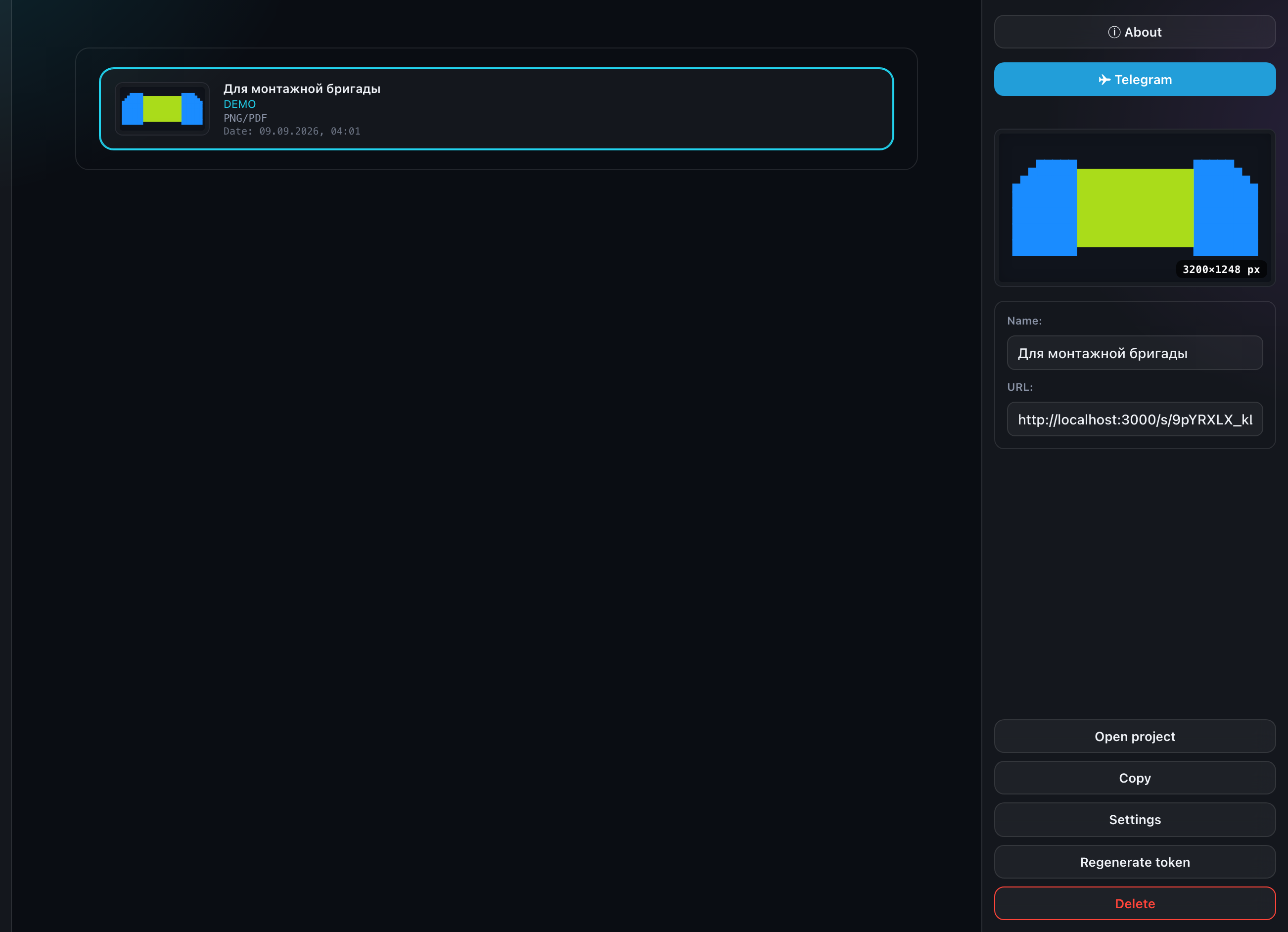
An opened link shows a preview of the composition, the display switcher, its own address and the full set of actions:
- Open project — go to the project the link belongs to;
- Copy address — to the clipboard;
- Settings — unfolds the access block right here, in the same panel;
- Reissue token;
- Delete.
Access settings
The same set of switches as the link creation form: which formats are allowed, which displays and cards the recipient can see. Each of them is covered in "Link settings".
Reissuing the token
Reissuing changes the link address. The old one stops working immediately, for everyone. It is a way to revoke access, not to refresh a page.
The automatic link is not shown here
Every project has an automatic view-only link — you did not create it, it does not count against your limit, and it cannot be deleted. It is deliberately absent from this list; look for it in the "Projects" section, in the project panel itself.
The limit
Usage is shown in the "Account" section. Automatic links do not count towards your limit.
What the link looks like to a recipient is covered in "What the recipient sees".