Labels
A label is text drawn over a screen. On a picture for a client or in an installation drawing it answers "what screen is this and what is it like": name, resolution, size, pixel pitch.
What a label can show
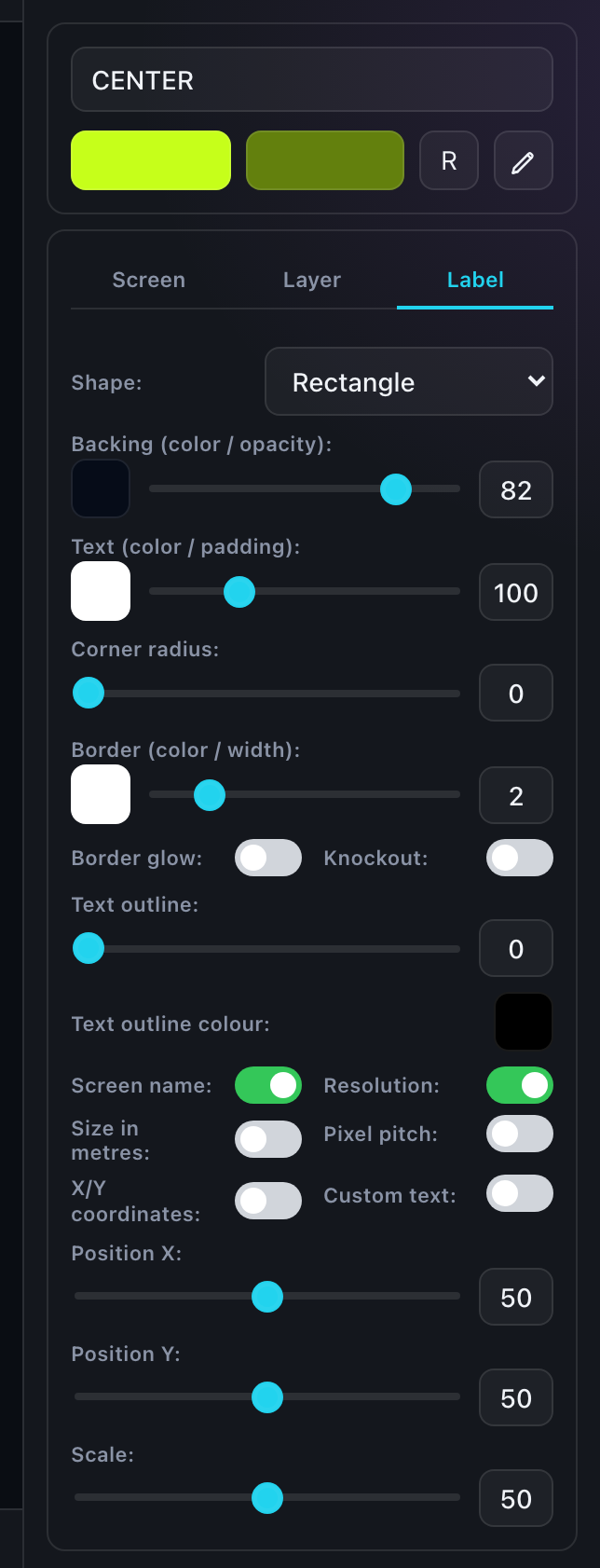
The contents are assembled with checkboxes — turn on what you need:
- Screen name — whatever is in the name field;
- Resolution — in pixels, width × height;
- Metres — the physical size of the screen;
- Pitch — the pixel pitch of the chosen cabinet model;
- Coordinates — the position of the screen in the composition;
- Free text — a line of your own, an item number from a quote, for instance.
The "width × height" order in the resolution line is switched by double-clicking that line on the label itself — there is no separate toggle. Handy when a manufacturer states the dimensions the other way round.
Label types
The type sets how the label looks. An administrator sets the names, so yours may differ:
| Type | How it looks |
|---|---|
| No label | No label at all. |
| Plate | An ordinary rectangular plate with text — the all-purpose choice. |
| Ribbon and frame | A horizontal ribbon, often the full width of the screen. |
| Ticket | A plate with notches along the edges, like a tear-off ticket. |
| Separate lines | Each line on a plate of its own. |
| Logo | Your logo from the profile settings. |
| Badge | A compact badge — for when space is tight. |
| Terminal | Monospaced text in the manner of a console. |
| Data panel | Data lines laid out as a table. |
| HUD instruments | Gauges, ribbons and readouts carrying the screen data. |
| Stamp | A parameter table plus a real QR or barcode — it genuinely scans with a phone. |
Styling the plate
Whatever the type, the plate itself can be styled:
- shape and corner radius, notch depth;
- background color and its transparency, inner padding;
- text color, text outline, knockout (the text cuts through the plate);
- border color and width, glow.
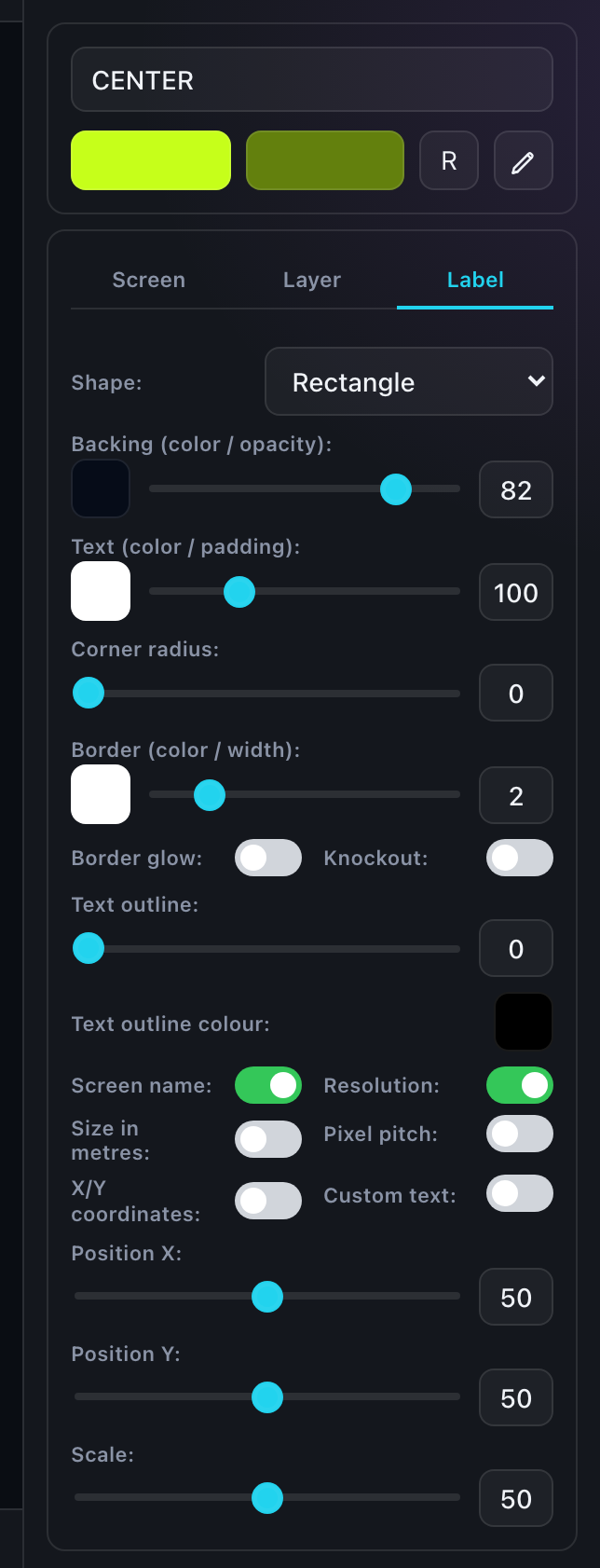
Position and scale
A label goes anywhere on the screen: the position is a percentage of its width and height, with scale set separately.
The rotation of the label text can be detached from the screen rotation — that is what the TR field in the footer is for, see The editor interface.
The type size is derived from the short side of the screen and fitted into the plate. On very elongated screens it is worth checking the result by eye.
Several labels
A screen can carry several labels: the name large in the center and the technical data small in a corner, say. Add them with "+"; reorder by dragging the rows.
A label you have set up can be saved to your library with the button at the bottom of the panel.