Account
This section is about the account itself: what you sign in with, where the mail goes and where you are currently signed in.
Username
The login you sign in with. It is changed right here, with its own button.
Each block saves with its own button, and that button is disabled until you change something: you cannot overwrite a neighbouring field by accident.
Typing a different address brings up a confirmation field — the address is entered twice. The status is always visible next to it: verified, unverified, or awaiting verification of a new address. If the address is unverified, the button to resend the letter is right there.
While the address is unverified you cannot recover your password by email: the letter with the link is only ever sent to a verified address.
Changing your password
Three fields: the current password, the new one and a repeat. The new one must be at least 6 characters.
Timezone and language
The timezone affects how dates are shown in your account. The interface language is switched here too and is remembered across every page.
There is no need to pick a documentation language separately: articles open in the language you work in.
Active sessions
A list of the devices and browsers signed in to your account: the device, when it signed in and when it was last active. The current one is marked.
- Sign out — end a single session;
- Sign out on all other devices — keep only the current one.
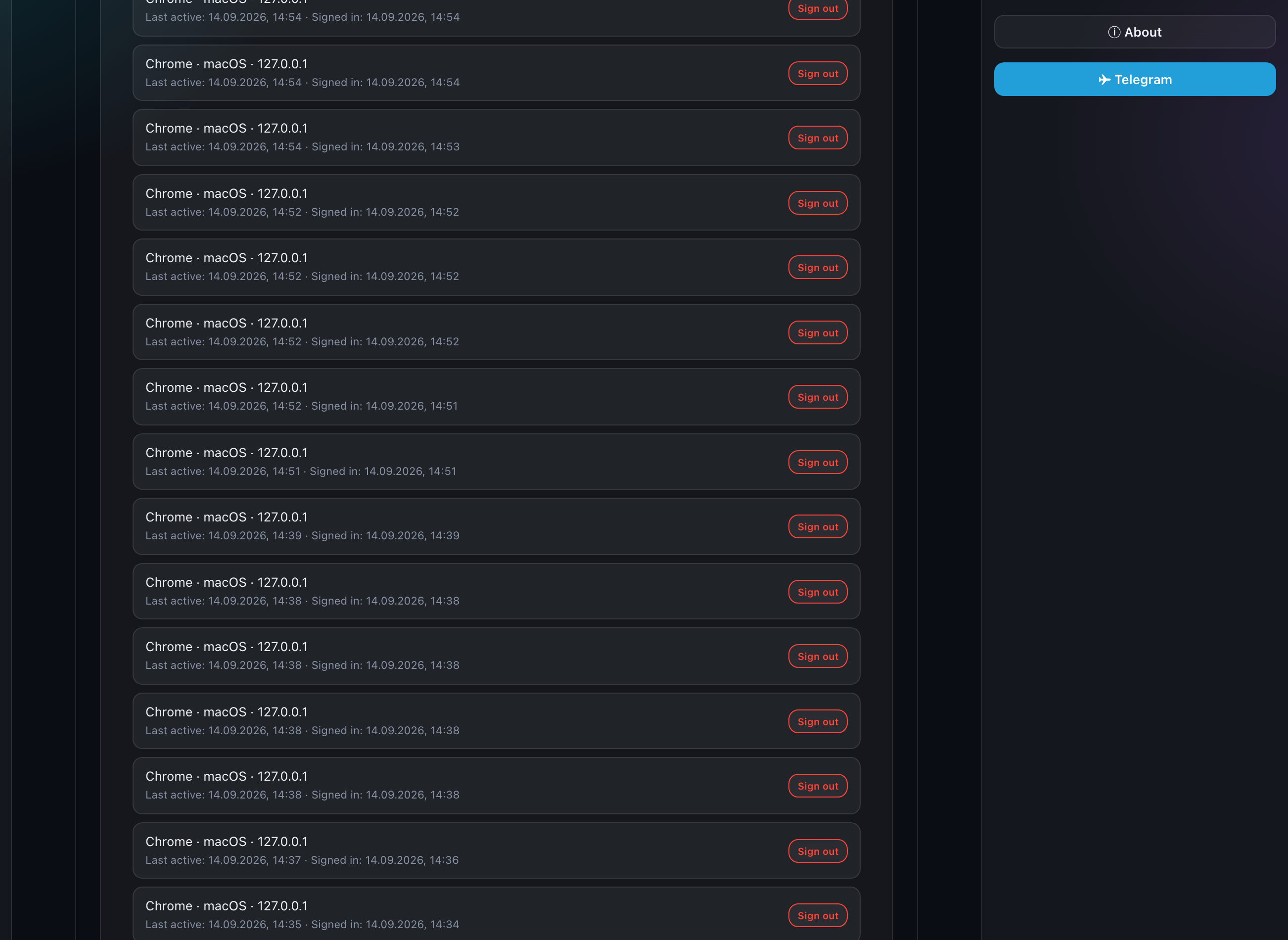
Sessions survive a server restart, so updating the application does not sign you out. If you see a device you do not recognise, sign that session out and change your password.
Limits
The last block of the section configures nothing — it is a summary: how much is allowed and how much is already used for each collection: projects, cabinets, cards, presets and links.
A dash instead of a number means the counter could not be fetched, not "zero".
The application settings themselves — author profile and defaults — are in the "Settings" section; see "Settings".